Should You Buy Aged Domains for Cold Email?
inboxy team · · 3 min read
What is an aged domain?
An aged domain is one that was first registered years ago. Most are sold on marketplaces after the previous owner let them expire, and some come with old email or website history attached. Sellers market them for cold email on the idea that inbox providers trust older domains more than new ones.
Age on its own isn't what inbox providers reward. They look at how a domain has been used: authentication, sending patterns, bounces, complaints and how recipients react. An old domain with no sending history gives you very little. An old domain with a bad sending history gives you its problems.
Aged vs new domains compared
| New lookalike domain | Aged domain | |
|---|---|---|
| Price | Normal registration fee | Usually a premium on top |
| History | None, you know exactly what you have | Unknown unless you check it |
| Matches your brand | Yes, you choose the name | Rarely, you take what's for sale |
| Needs new mailboxes and warmup | Yes | Yes |
| Risk of blacklist or spam baggage | Low | Depends on the previous owner |
The row that matters most is the fourth one. Whatever the domain's age, the mailboxes on it are new, and new mailboxes need two to four weeks of warmup before they carry campaigns. An aged domain doesn't let you skip that.
The brand problem
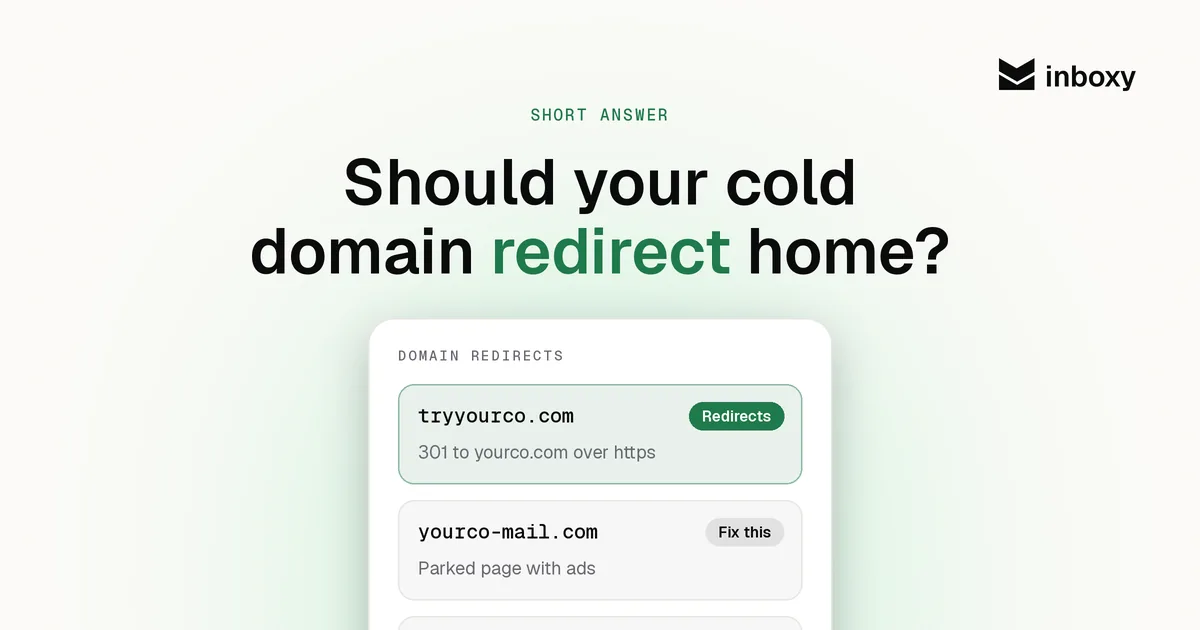
A good cold email domain looks like yours: getacme.com, tryacme.com, acmehq.com. Prospects check the domain, and it should redirect to your main website. An aged domain picked for its registration date usually has nothing to do with your company name, which makes your emails look less like they come from a real business, not more.
If you do buy one, check it first
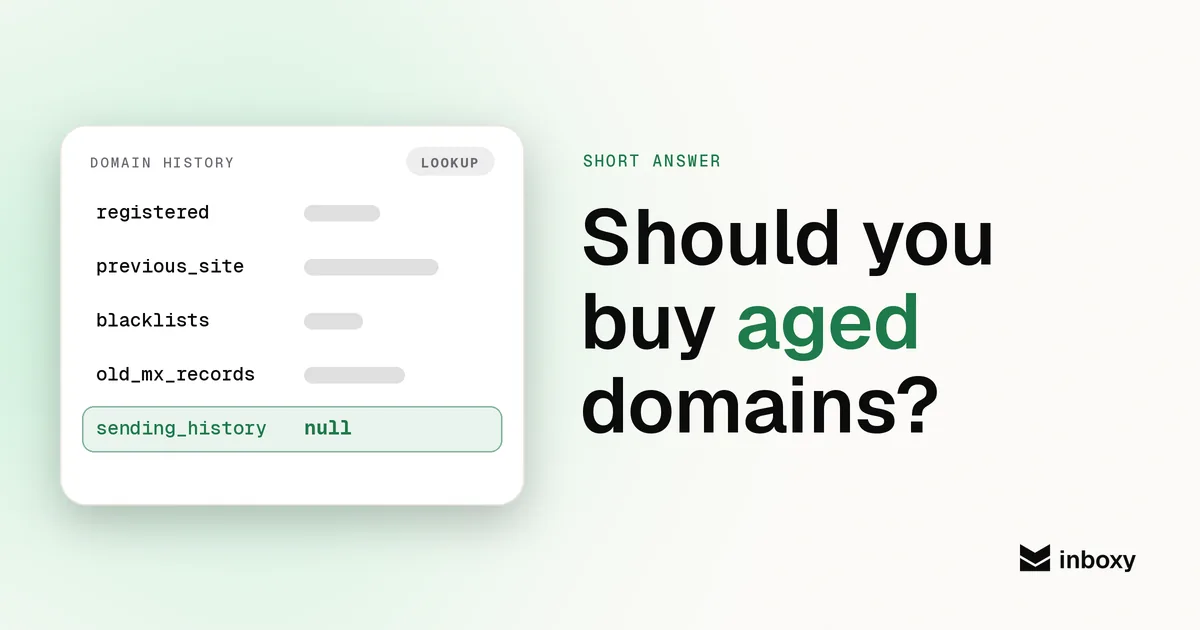
- Look up its past use. A web archive shows what the domain hosted before. Gambling, pharma or adult content is a no.
- Check the main blacklists. If it's listed, walk away unless you're ready to go through removal. Our blacklist guide explains the process.
- Clear old DNS records. Remove any MX, SPF or DKIM records left over from the previous owner, then publish your own SPF, DKIM and DMARC.
- Warm and test as if it were new. Full warmup, then a placement test before the first campaign.
What to do instead
Buy brand lookalike domains a couple of weeks before you need them, put two or three mailboxes on each, authenticate them, redirect them home and warm every mailbox. Keep a few spare domains warming so you're never forced to launch on cold ones. That's cheaper than paying a premium for history you can't verify. Our guide to separate domains for cold email covers the full setup.
Skip the setup
inboxy creates Google Workspace mailboxes on your cold email domains with SPF, DKIM and DMARC already configured and connects them to your sequencer for free, at a flat $3 per mailbox a month. Add warmup at the same flat rate per inbox. See pricing.
quick answers
Do aged domains improve cold email deliverability?
Not on their own. Age without a good sending history gives you little, and a bad history works against you. Authentication, warmup, volume and list quality matter far more.
Do I still need to warm up mailboxes on an aged domain?
Yes. The mailboxes are new even if the domain is old, so warm each one for two to four weeks before it carries campaigns.
How do I check an aged domain before buying it?
Look up what it hosted in a web archive, check the main blacklists, and plan to clear any old MX, SPF or DKIM records before you publish your own.
What should I use instead of aged domains?
Brand lookalike domains such as getacme.com or tryacme.com, bought a couple of weeks before you need them, redirected to your main site and warmed properly.