Should Your Cold Email Domain Redirect to Your Main Website?
inboxy team · · 3 min read
Why redirect a cold email domain at all?
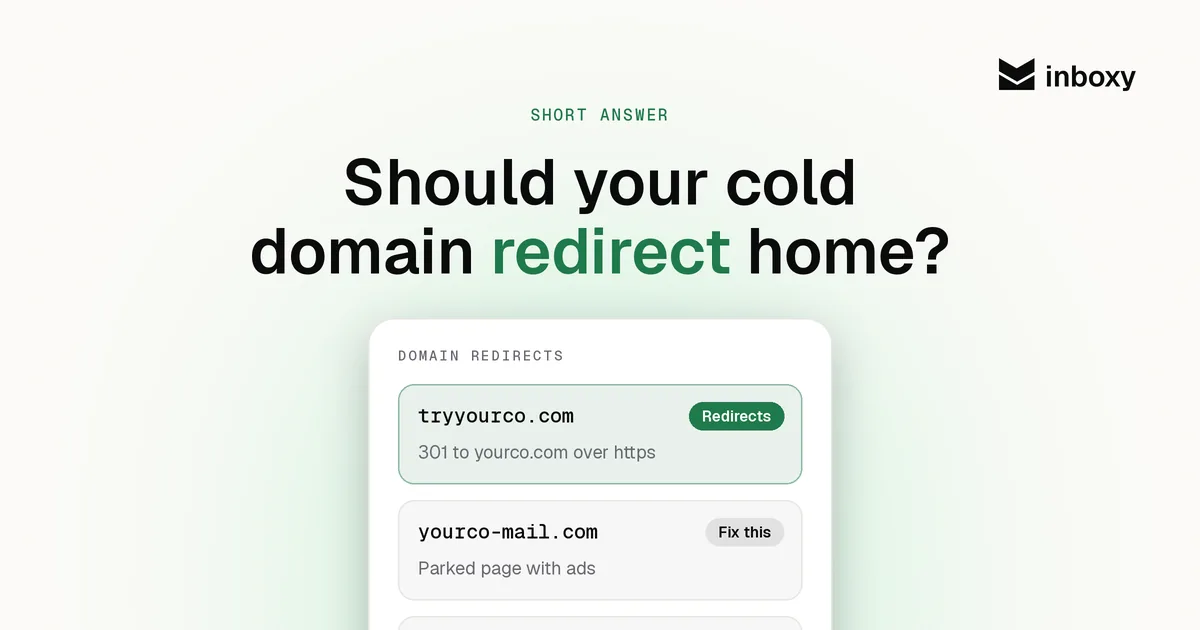
People check. A prospect who gets an email from you at a lookalike domain will often type the domain into a browser, or hover over it, before replying. What they find decides whether you look like a real company:
- A redirect to your main site answers the question at once: this domain belongs to the company in the signature.
- An error page, a parked page or a registrar ad looks like the setup of someone who bought a domain to send spam, which is exactly the impression you are trying to avoid.
Be clear about what a redirect does not do. It is not an authentication signal, and it will not fix placement on its own. Inbox providers judge you on SPF, DKIM and DMARC, your sending behaviour and how recipients react. The redirect is about the human on the other end, and the reply you want from them.
Your options compared
| What the domain shows | What a prospect sees | Verdict |
|---|---|---|
| 301 redirect to your main site | Your real website | Best default |
| Simple one-page site | A page with your brand and a link to the main site | Fine, more to maintain |
| Registrar parked page | Ads or "this domain may be for sale" | Avoid |
| Nothing set up | A browser error | Avoid |
How to set it up
- Use a permanent (301) redirect to your main homepage. Most registrars and DNS providers have a URL forwarding or redirect rule that does this without a server.
- Make sure HTTPS works. Test both
http://andhttps://, with and withoutwww. If the https version has no valid certificate, browsers show an error or a security warning, which undoes the point of the redirect. - Don't touch your mail records. The redirect lives on the web side (A or CNAME records, or a forwarding rule). Your MX, SPF, DKIM and DMARC records stay as they are.
- Keep the tracking domain separate. If you use a custom tracking domain, it is usually a subdomain with its own CNAME. Setting up the redirect should not change it.
- Repeat for every domain. Teams set this up on the first domain and forget the next ten. Add it to your deliverability checklist for new domains.
Redirect to the homepage or a specific page?
The homepage is the safe default because it matches what the prospect expects: they typed a domain, they get your company. A redirect to a landing page for your offer can work too, as long as it is obviously your company. Avoid redirecting to a booking link or a form; it reads like a funnel, not a business.
Skip the setup
inboxy creates Google Workspace mailboxes on your cold email domains with SPF, DKIM and DMARC already configured, connects them to your sequencer for free and keeps them warm, at a flat $3 per mailbox a month. See pricing.
quick answers
Should my cold email domain redirect to my main website?
Yes. Use a permanent 301 redirect over HTTPS to your main homepage, so anyone who checks the domain finds your real company.
Does a domain redirect improve cold email deliverability?
Not directly. Inbox providers judge SPF, DKIM, DMARC, sending behaviour and recipient reactions. The redirect builds trust with the people reading your email, not with spam filters.
Should I use a 301 or a 302 redirect?
A 301. The cold email domain will always point to your main site, so a permanent redirect is the accurate choice.
Will setting up a redirect affect my email records?
No. The redirect uses web records or a forwarding rule. Your MX, SPF, DKIM and DMARC records stay as they are.
Can I build a separate website on my cold email domain instead?
You can, but a one-page site is more to maintain and adds little. A redirect to your main site is simpler and clearer for prospects.