Burned Cold Email Mailbox? When to Rest It, Replace It or Retire the Domain
inboxy team · · 8 min read
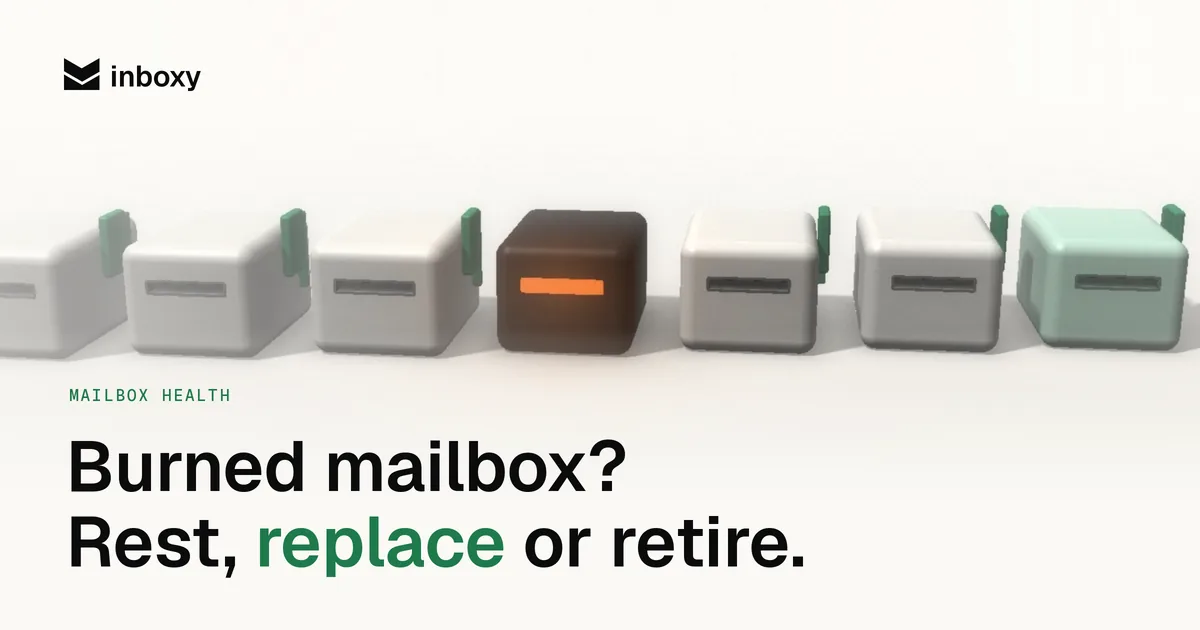
Every cold email team ends up with a mailbox that stops working. Replies dry up, a placement test lands in spam, or Google suspends the account for a day. The first instinct is usually to delete everything and start again. That's often more than you need, and sometimes less.
A struggling mailbox can be rested, replaced, or retired along with its domain. Each fixes a different problem and costs a different amount of time. This guide covers how to tell which problem you have, what to do in each case, and how to stop the next mailbox going the same way.
What "burned" actually means
People call a mailbox burned when its emails stop reaching the inbox. But the damage can sit in three places, and they need different fixes:
- The mailbox. Inbox providers judge each sending account on its own behaviour. One mailbox that sent too much, too fast, or to a bad list can struggle while its neighbours on the same domain are fine.
- The domain. Reputation also builds up on the sending domain. If every mailbox on a domain lands in spam, or the domain is on a blacklist, the problem is bigger than one account.
- The campaign. Sometimes nothing is burned at all. A list full of bad addresses, a spammy first line or a link on a shared tracking domain will hurt any mailbox you send it from.
Replace a mailbox when the domain is the problem and the new one goes into spam within a week. Retire a domain when the list was the problem and you lose a perfectly good domain for nothing. So diagnose before you act.
Step 1: find where the problem is
Start with a test. Send a blank email from the struggling mailbox to our free inbox placement test, then do the same from one or two other mailboxes on the same domain and from a mailbox on a different domain. Then compare.
| What you see | Likely problem | Where to look |
|---|---|---|
| One mailbox in spam, others on the same domain fine | The mailbox | Its volume, its recent campaigns, any Google warnings on the account |
| Every mailbox on one domain in spam, other domains fine | The domain | Blacklists, SPF, DKIM and DMARC, complaint history |
| Mailboxes on several domains dropping at once | The campaign or list | Bounce rate, copy, links, tracking domain, targeting |
| Placement fine everywhere, but replies are down | Probably not deliverability | Offer, list quality, timing |
Check authentication while you're there. A broken SPF record or a DKIM key that no longer matches looks exactly like a reputation problem, and it's a five-minute fix. Our SPF, DKIM and DMARC guide shows what each record should look like. And check the main blacklists for the domain; our blacklist removal guide covers how.
Signals worth watching every week
Most mailboxes don't burn overnight. They slide, and the slide is visible if you look per mailbox rather than per campaign:
- Reply rate per mailbox. The most honest health signal you have. A mailbox whose replies fall well below its neighbours on the same campaign is telling you something.
- Bounces. A rising bounce rate usually points at the list, but it damages whichever mailbox sent it. See what a good bounce rate looks like.
- Placement tests. Run one from a sample of mailboxes before every new campaign, not only when something feels wrong.
- Account warnings. Sending limit errors, temporary suspensions or security prompts from Google are a sign the account's pattern looks unusual.
Open rates are not on this list. Tracking pixels are blocked and pre-fetched so often that opens tell you little. Our post on open and click tracking explains why.
Option 1: rest the mailbox
When: one mailbox shows early warning signs. Replies are slipping, a placement test shows some spam, but it isn't suspended and the rest of the domain is fine.
How:
- Take it out of every campaign in your sequencer. Let other mailboxes carry the volume.
- Keep warmup running. A rested mailbox that sends nothing at all doesn't rebuild anything; steady positive engagement is what moves reputation back.
- Fix whatever caused it. If it was sending above 30 to 50 cold emails a day, or carried a list that bounced, that has to change before it returns.
- Retest after a couple of weeks. If it lands in the inbox again, bring it back on a low daily volume and ramp up slowly, the same way you would a new mailbox.
Resting is the cheapest option because you keep the mailbox and its history. It only works if you catch the problem early and the cause is gone.
Option 2: replace the mailbox
When: the mailbox is still in spam after a rest, Google has suspended it more than once, or its history is simply worse than everything around it. The domain itself tests fine from other mailboxes.
How:
- Move any leads mid-sequence to a healthy mailbox, or let them restart. A follow-up from a different address reads like a new cold email.
- Cancel the old mailbox and create a new one on the same domain, with a different sender name and address.
- Warm the new mailbox for two to four weeks before it carries campaigns. A new mailbox on an old domain is still a new mailbox. See how long warmup takes.
- Ramp it up from a handful of emails a day to your normal volume.
In inboxy, a cancelled mailbox keeps working until your next renewal on the 1st, and the replacement uses one extra license that's only charged until then. From the 1st your bill is the same as before, so replacing a bad mailbox doesn't cost you a second month.
Option 3: retire the domain
When: every mailbox on the domain lands in spam, including fresh ones. The domain is on a blacklist that won't delist it, or it carries a history of complaints. Replacing mailboxes on a domain like this just burns new mailboxes.
How:
- Stop sending from every mailbox on the domain. Finish or move live sequences first.
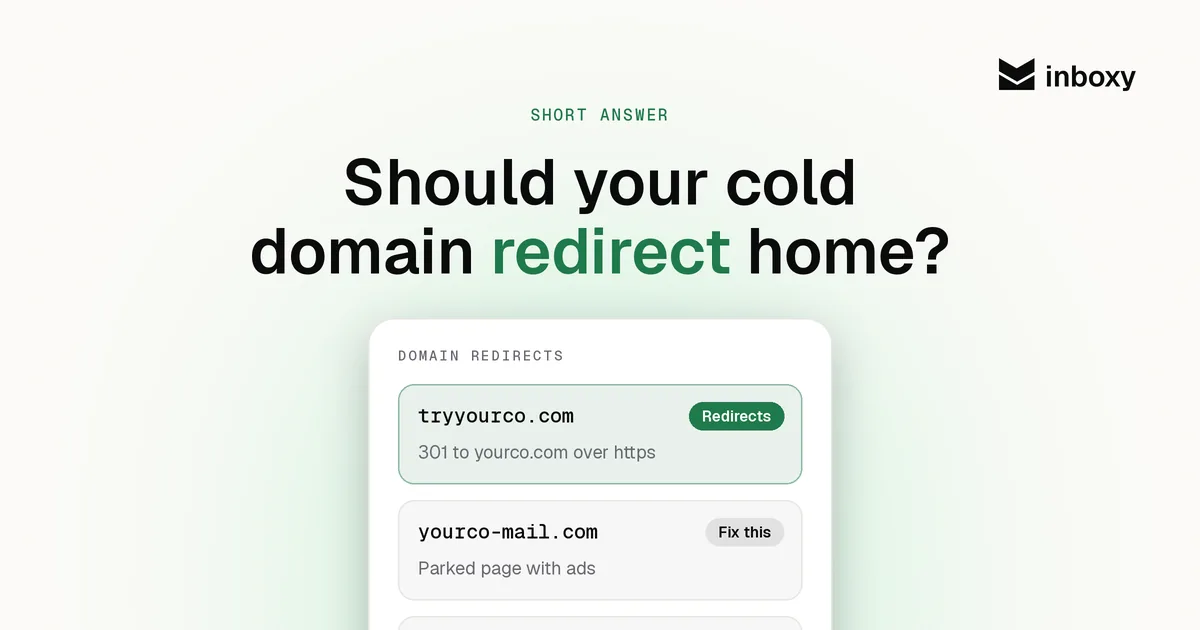
- Cancel the mailboxes and set up replacements on a new lookalike domain, with SPF, DKIM and DMARC, a redirect to your main site, and full warmup.
- Keep the old domain registered and keep its redirect. If you let it lapse, someone else can buy it and send from a name that looks like yours.
- Don't move it straight back into rotation. If you want to try it again later, treat it as a new domain: new mailboxes, full warmup, a placement test first.
Retiring a domain is the most expensive option in time, because the replacement starts with no history. It's still cheaper than feeding new mailboxes to a domain that has stopped reaching the inbox.
Rest, replace or retire: the short version
| Situation | Do this | Time before full volume |
|---|---|---|
| One mailbox slipping, cause known and fixed | Rest it, keep warmup on | A couple of weeks, then ramp |
| One mailbox still in spam after a rest, or suspended again | Replace it on the same domain | Two to four weeks of warmup, then ramp |
| Every mailbox on the domain in spam, or a blacklist that won't clear | Retire the domain, move to a new one | Two to four weeks of warmup on new mailboxes, then ramp |
| Several domains dropping at once | Fix the list or campaign first, then decide | Depends on the cause |
Fix the cause, or the replacement burns too
A new mailbox inherits nothing bad, but it gets the same campaign. If the cause is still there, you've only bought a few weeks. Before any replacement goes live, check the usual suspects:
- Volume. 30 to 50 cold emails per mailbox a day, follow-ups included. More mailboxes, not more volume per mailbox. See Google Workspace sending limits.
- The list. Verify every list before sending and suppress anything that bounced. Old and scraped lists are the most common cause of a sudden drop.
- The email. Plain text, one link at most, no attachments in the first touch, and an easy way to say no.
- Tracking. A shared tracking domain can carry someone else's reputation into your emails. Use your own, or turn tracking off.
Our list of 12 reasons cold emails go to spam goes through each one.
Keep spare mailboxes warming
The teams that handle burned mailboxes calmly are the ones with spares. If you keep about 20% more mailboxes than your volume needs, warming quietly in the background, resting or replacing a mailbox never drops your sending volume. You swap a warm spare in and fix the problem without pressure. Our guide to how many mailboxes you need has the formula, spares included.
Spread mailboxes across domains too. Two or three per domain means retiring one domain costs you two or three mailboxes, not your whole operation.
Where inboxy fits
inboxy sells Google Workspace mailboxes at one flat rate, so adding a spare or replacing a bad one costs the same as any other mailbox, and you can add or cancel mailboxes any time. New domains come in through your registrar connection with SPF, DKIM and DMARC configured for you. Mailboxes are delivered new, not pre-warmed, so the warmup and ramp above still apply; warmup is a separate per-inbox subscription that also works on inboxes you already own.
Skip the setup
inboxy creates Google Workspace mailboxes on your cold email domains with SPF, DKIM and DMARC already configured and connects them to your sequencer for free, at a flat $3 per mailbox a month. Add warmup at the same flat rate per inbox. See pricing.